
Work in tabs
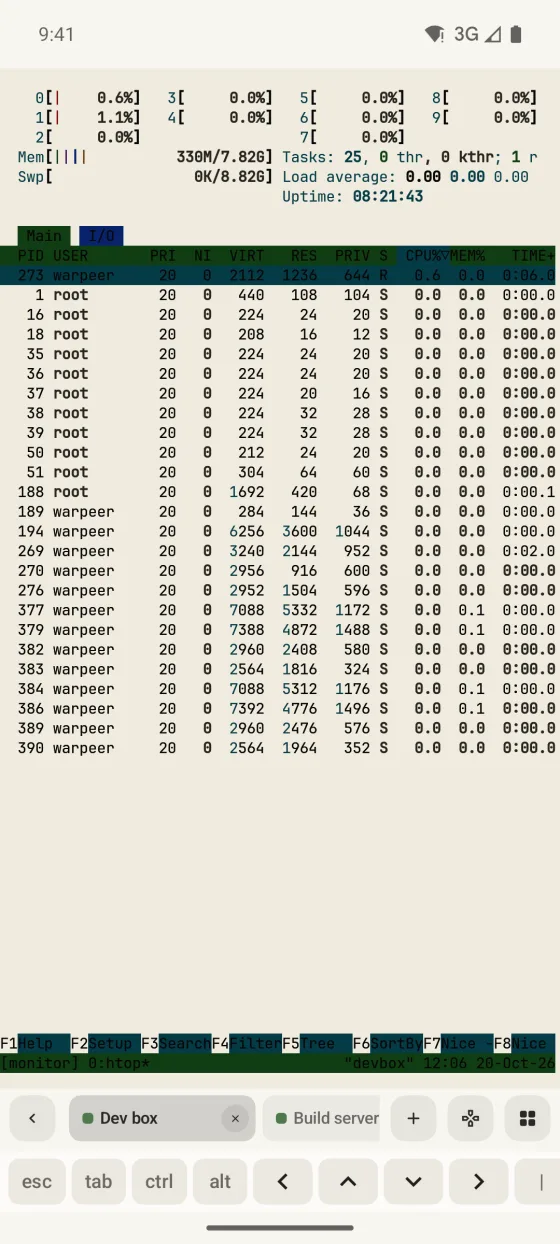
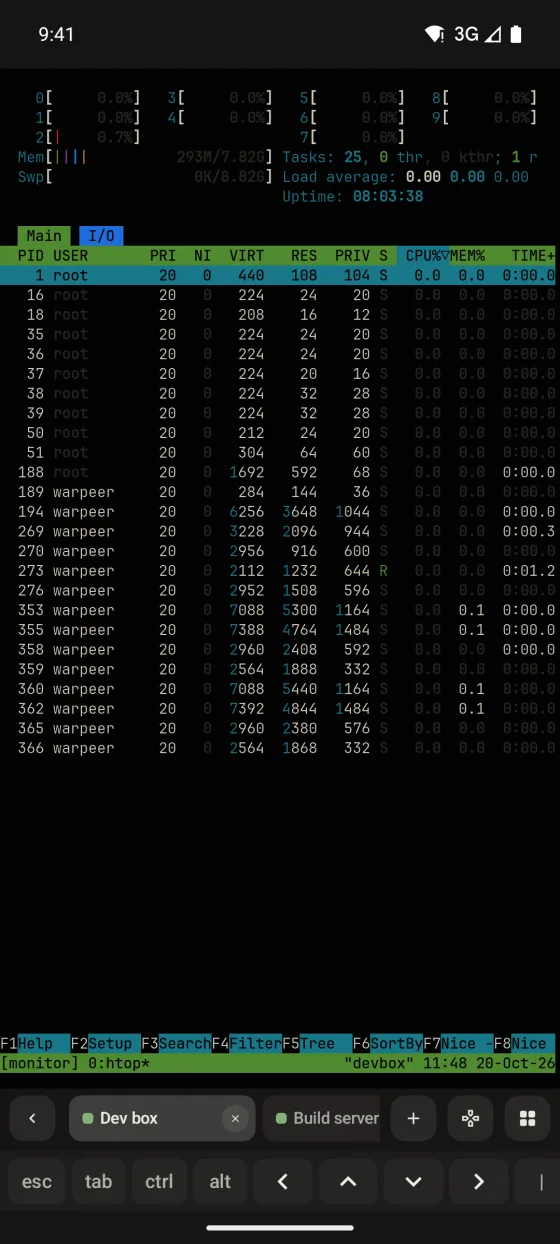
Open several hosts as tabs in the session dock and swipe across the terminal to move between them.
Sessions
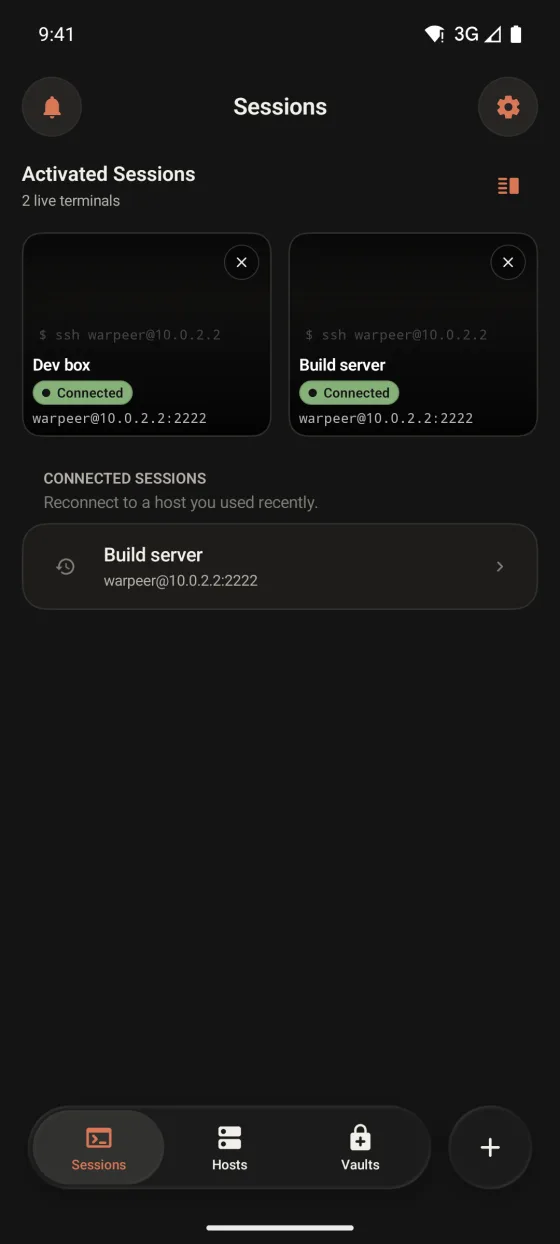
Warpeer for Android keeps several SSH terminals open as tabs, holds them in the background with a foreground service and reconnects a dropped tab in one tap.
Preview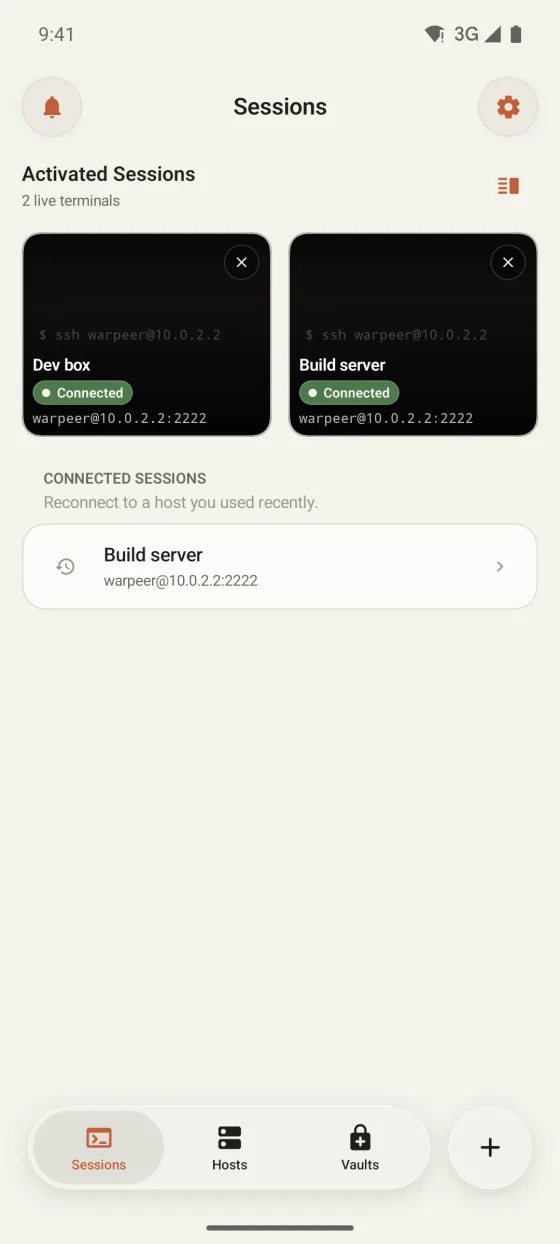
What you can do
Open several hosts as tabs in the session dock and swipe across the terminal to move between them.
An ongoing notification keeps connected terminals alive while you use another app or turn off the screen.
A lost connection keeps its last screen and offers Reconnect. Your tmux or Herdr session kept running on the server.
The Android build does not list tmux or Herdr sessions or show live session previews and agent states yet. Attach tmux from the terminal as you would over any SSH client.
Guide
Warpeer for Android