
Open from anywhere
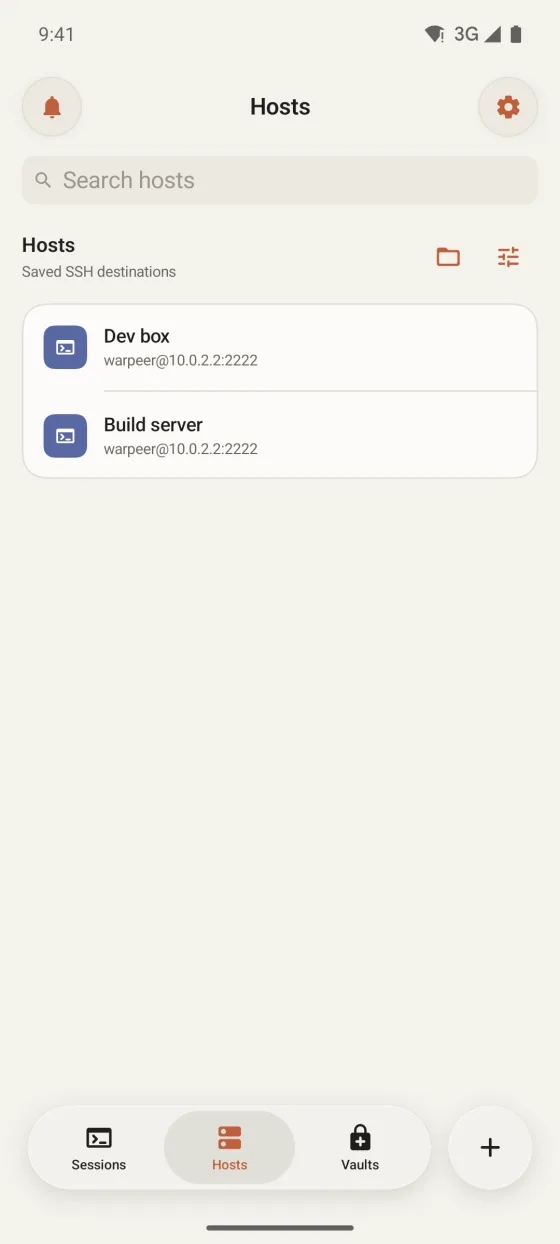
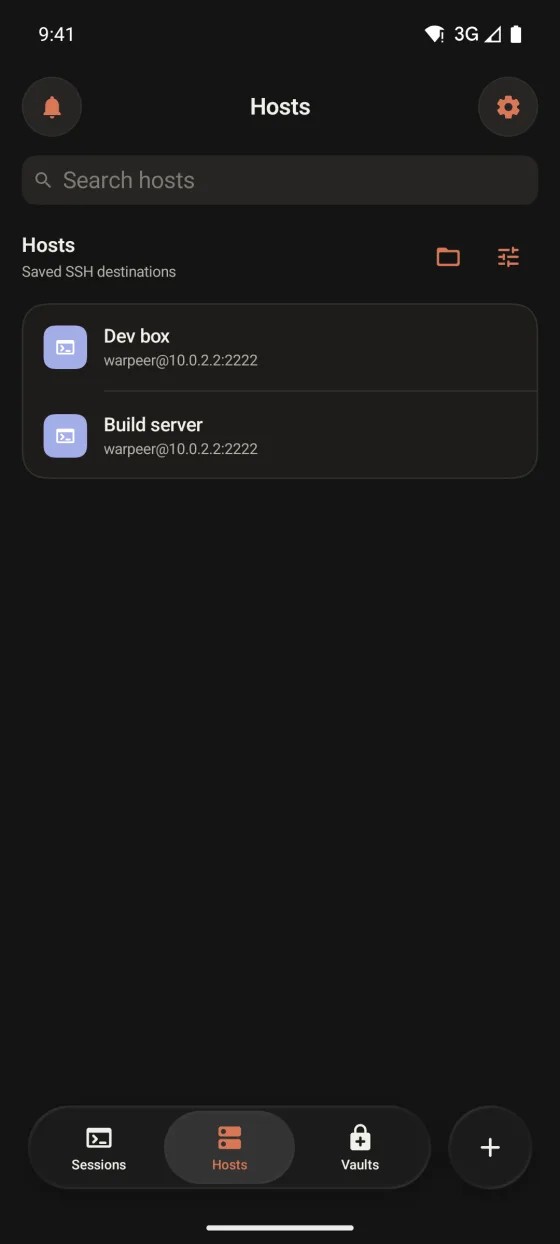
Start from the Hosts tab, the session dock or the SFTP floating key of the current tab.
Files
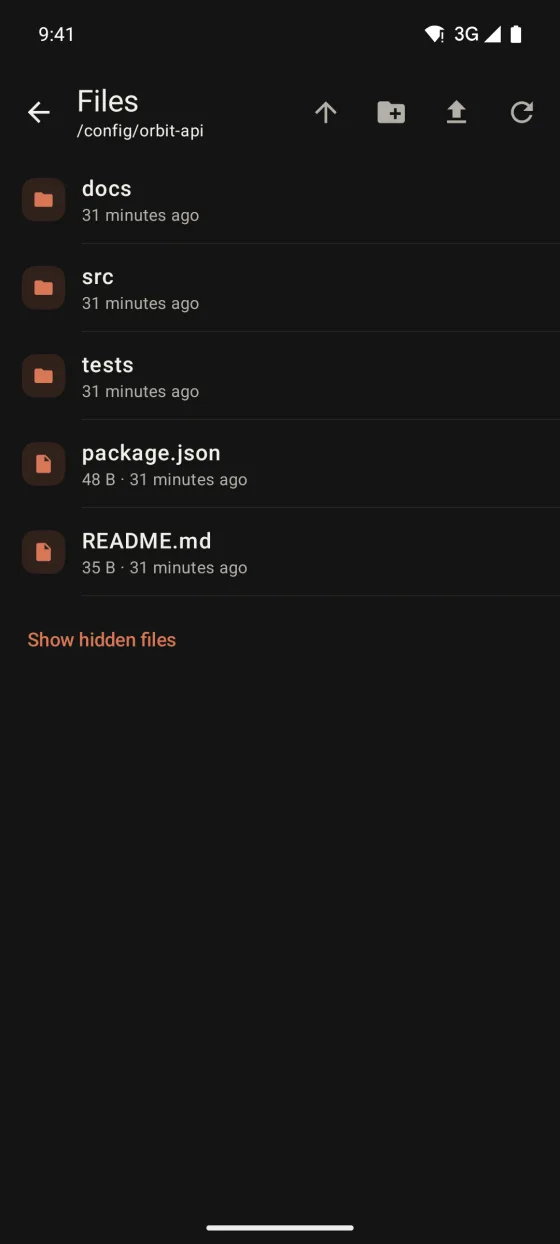
Browse a server's folders with the same saved host and credential as its terminal, and move files between the server and your Android device.
Preview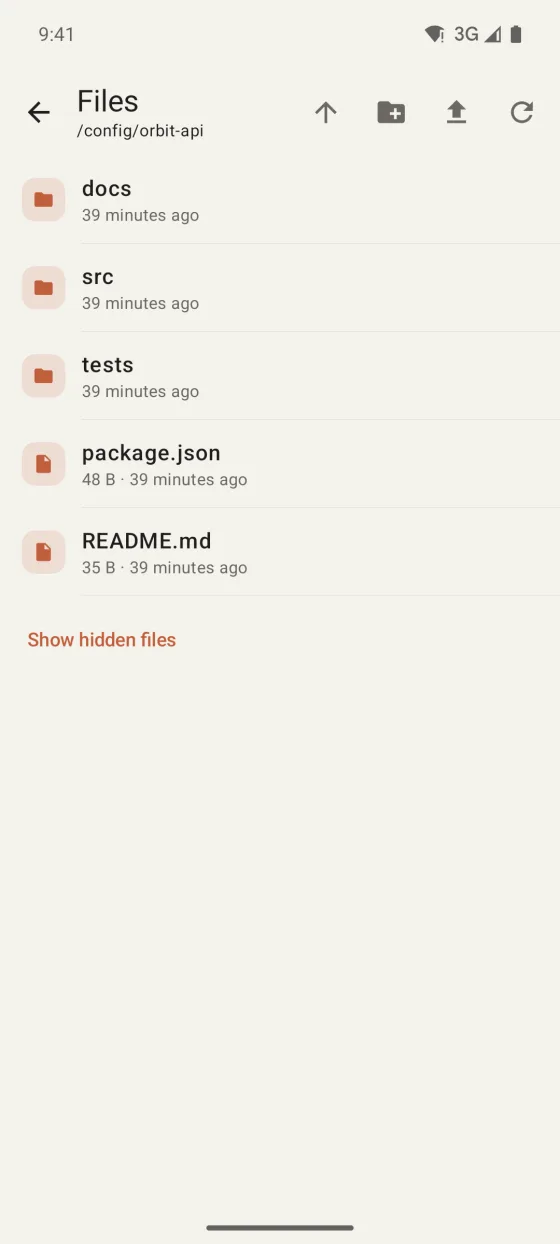
What you can do
Start from the Hosts tab, the session dock or the SFTP floating key of the current tab.
Pick a file with the Android file picker to upload it, or download a server file to a location you choose.
Create folders, rename and delete items, and reveal hidden dot files when you need them.
File previews and git status and diffs, available in Warpeer for iPhone, are not in the Android build yet.
Guide
Warpeer for Android