
Keys where you type
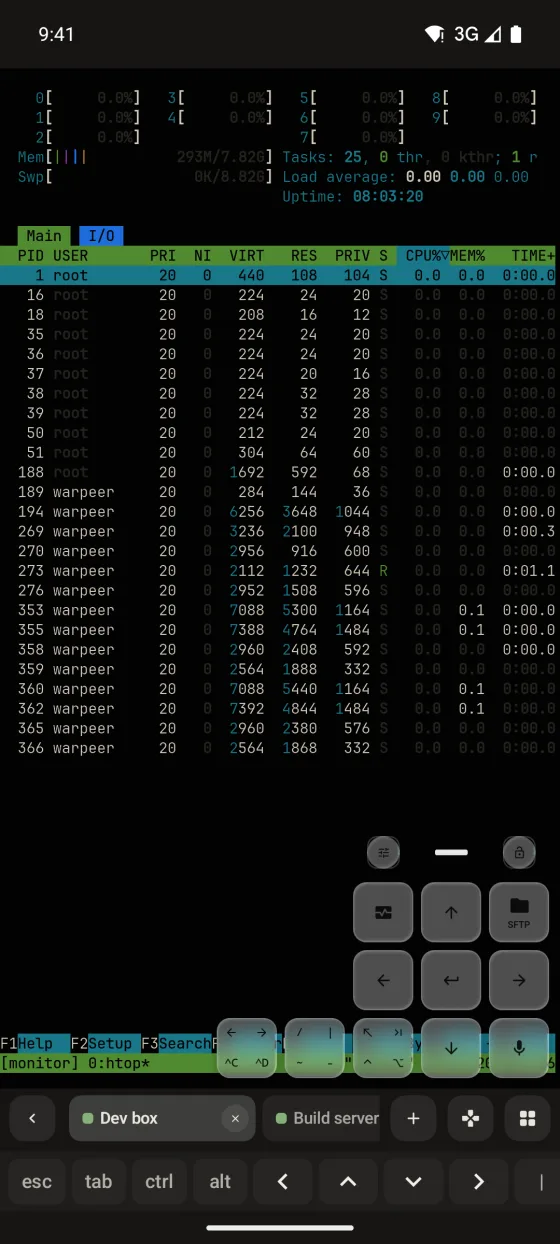
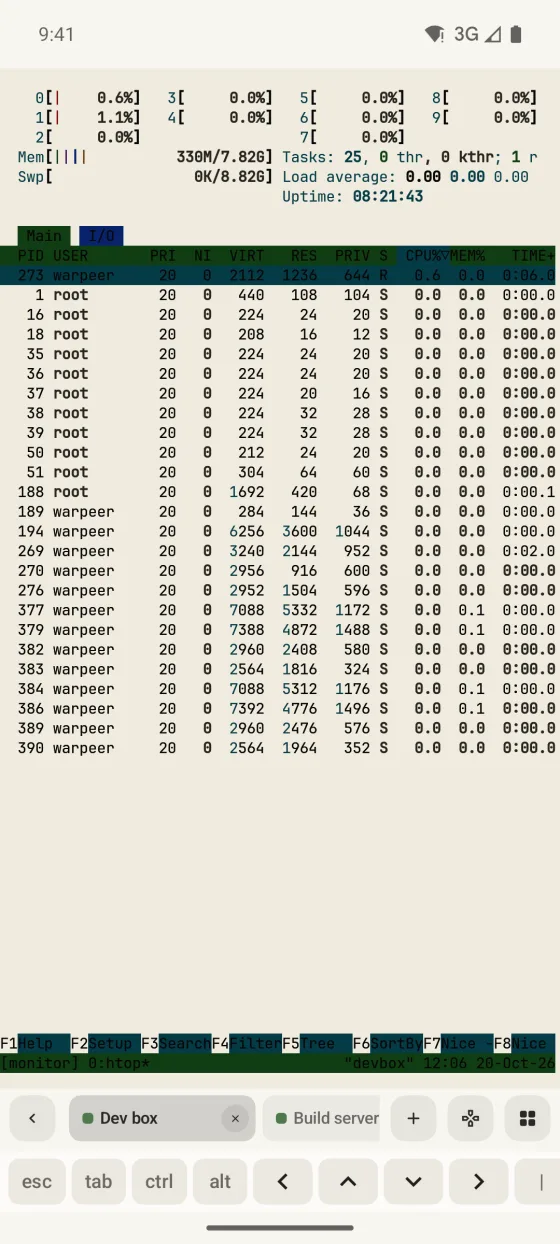
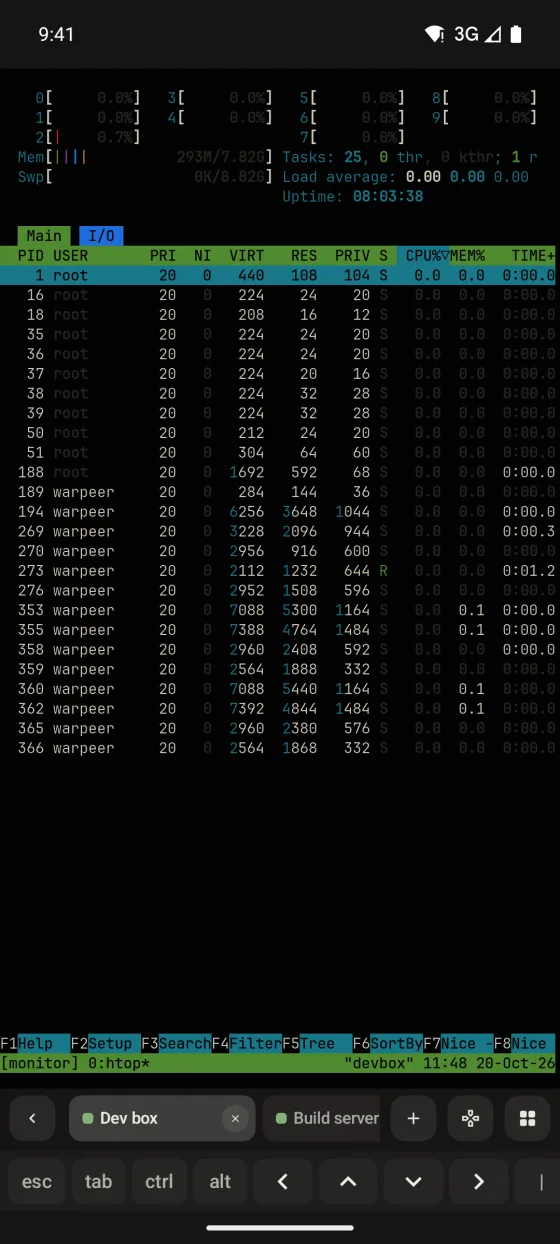
esc, tab, ctrl, alt and the arrows sit above the keyboard, in groups you can reorder or build yourself.
Magic keys
A key bar above the keyboard and a pad of floating keys over the terminal add Escape, Control, arrows, tmux and Herdr prefix keys and your own snippets.
Preview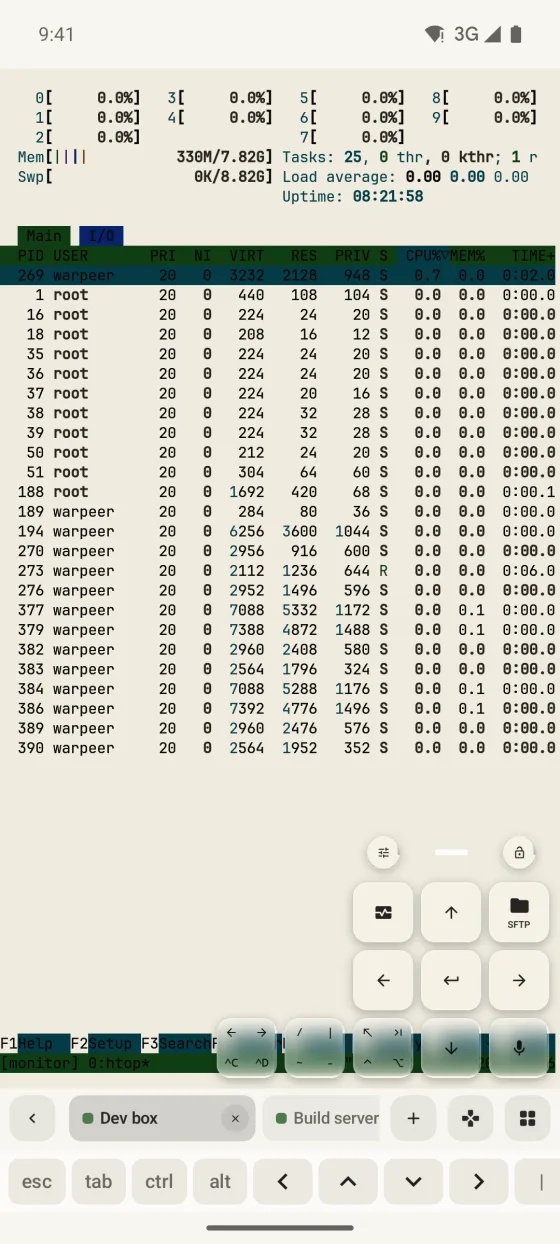
What you can do
esc, tab, ctrl, alt and the arrows sit above the keyboard, in groups you can reorder or build yourself.
Prefix keys send the prefix and the command together, so a split or a new window is a single tap.
Choose each floating key, bind custom combinations and snippets, and style the pad as Glass, Frosted or Flat.
Keys for live host metrics, git, voice input and images stay on the pad but report that they are unavailable on Android.
Guide