
Reusable credentials
Passwords and OpenSSH private keys are encrypted with a key held in the Android Keystore and reused across hosts.
Vault
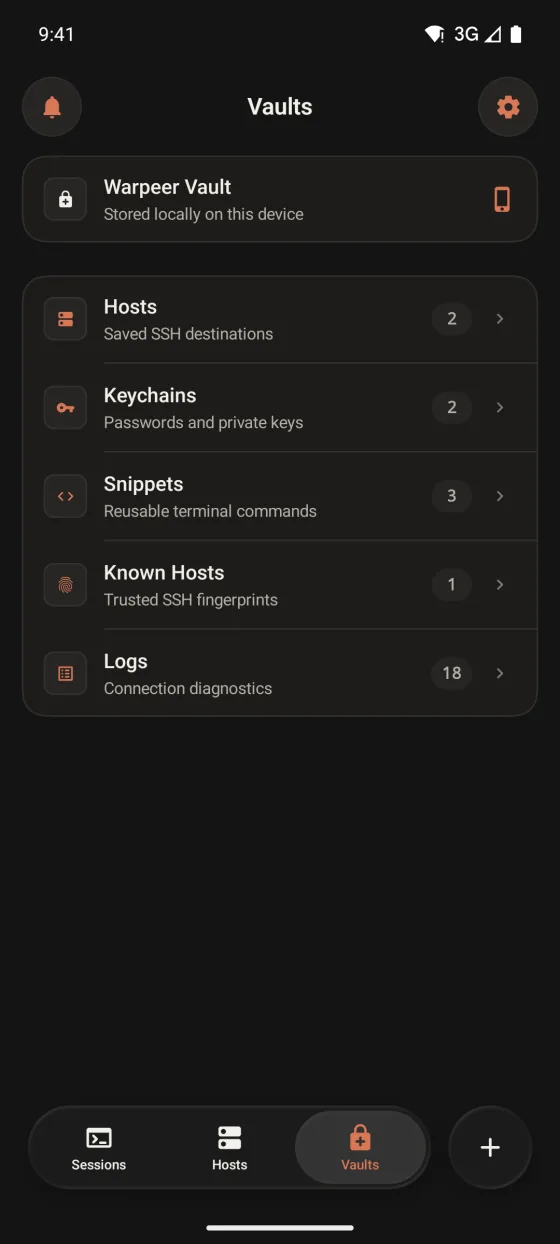
Hosts, passwords, private keys, snippets and trusted fingerprints live only on your Android device, with credentials encrypted by the Android Keystore.
Preview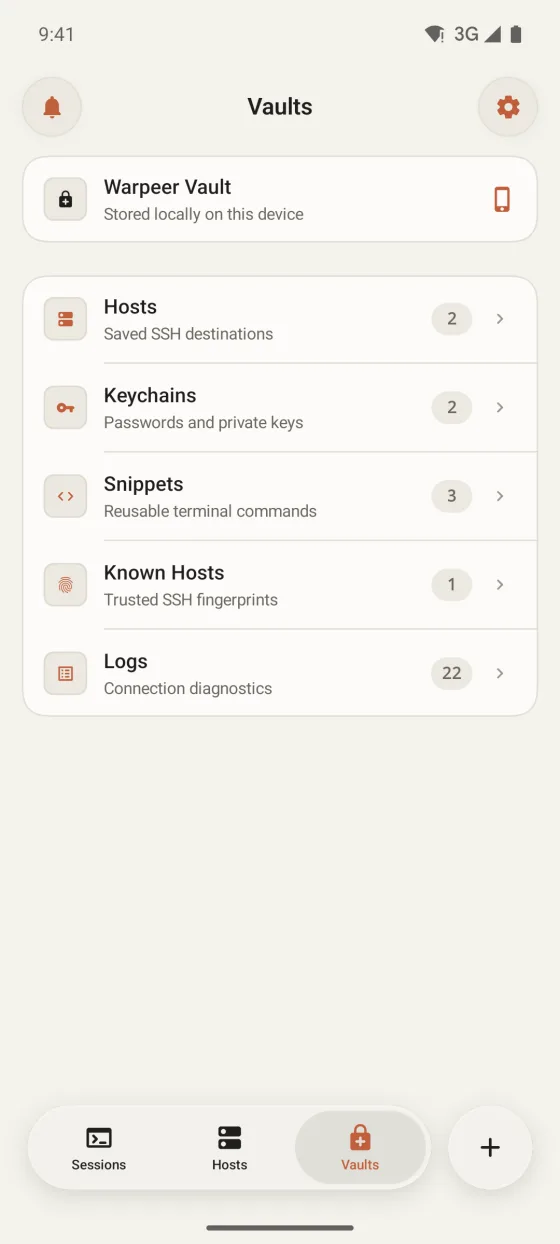
What you can do
Passwords and OpenSSH private keys are encrypted with a key held in the Android Keystore and reused across hosts.
Every server fingerprint is checked, and a changed key stops the connection until you trust it.
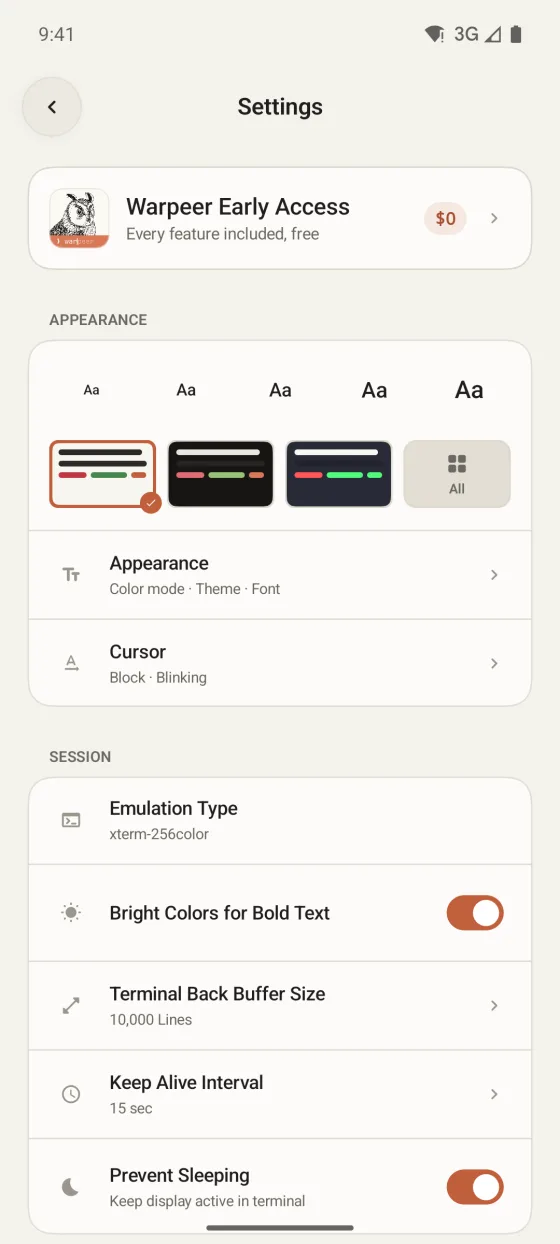
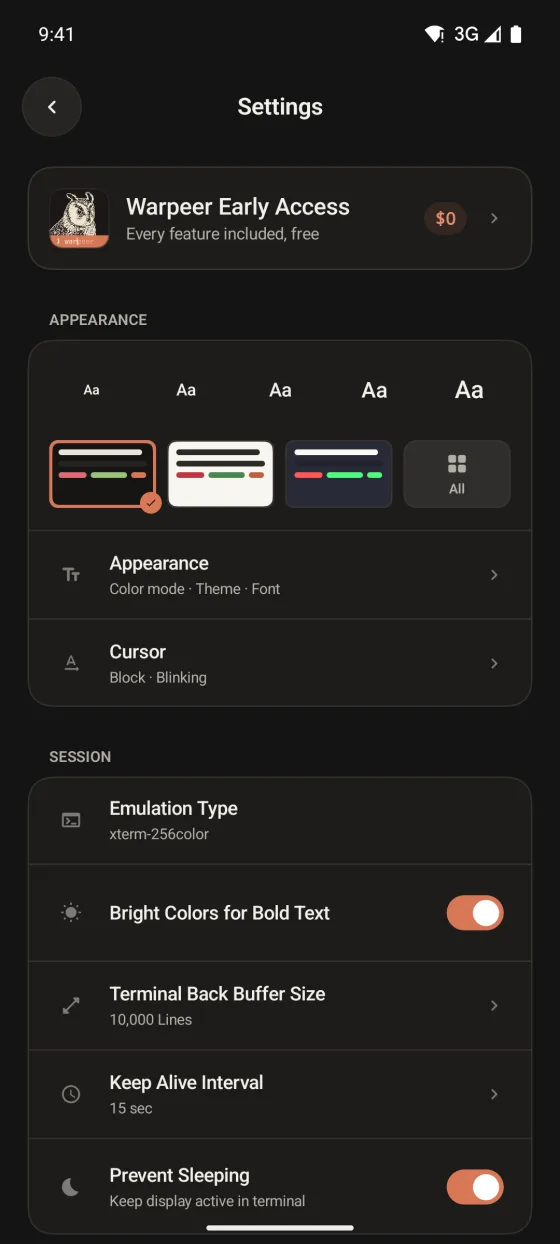
Require a PIN or your fingerprint or face, and hide terminals in the recent apps screen.
Guide
Warpeer for Android