
Images, straight to the pane
Take a photo or pick a screenshot or file. Warpeer uploads it to the host over your SSH connection and pastes its path into the agent in the current tmux or Herdr pane.
Images and voice
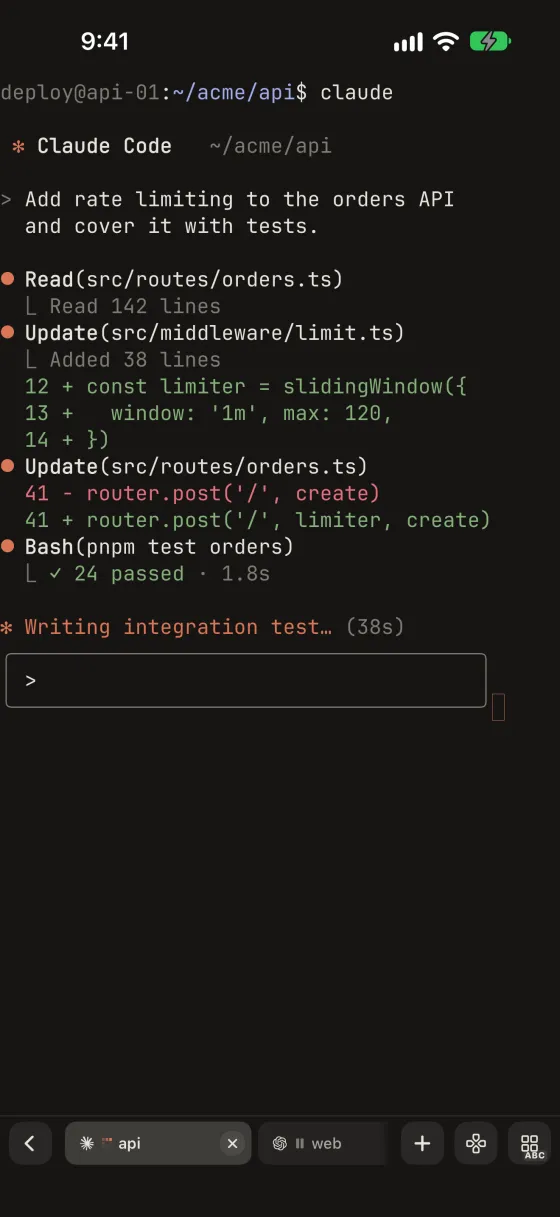
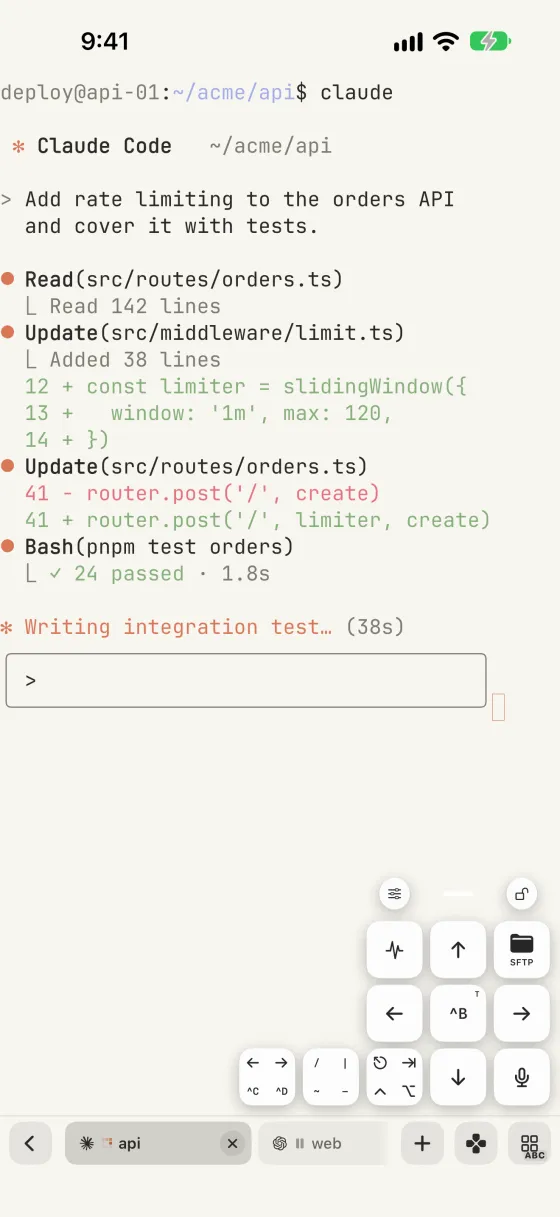
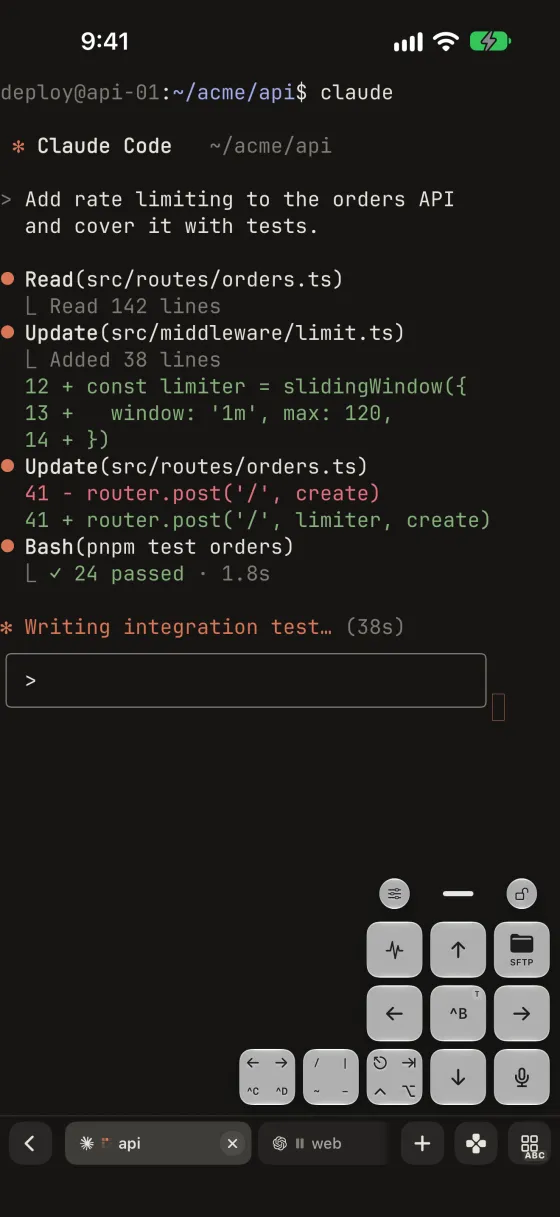
Send a photo or screenshot from your iPhone straight to Claude Code, Codex or any agent in a remote pane, or speak your prompt and edit it before it reaches the shell. Both are one magic key away.
Included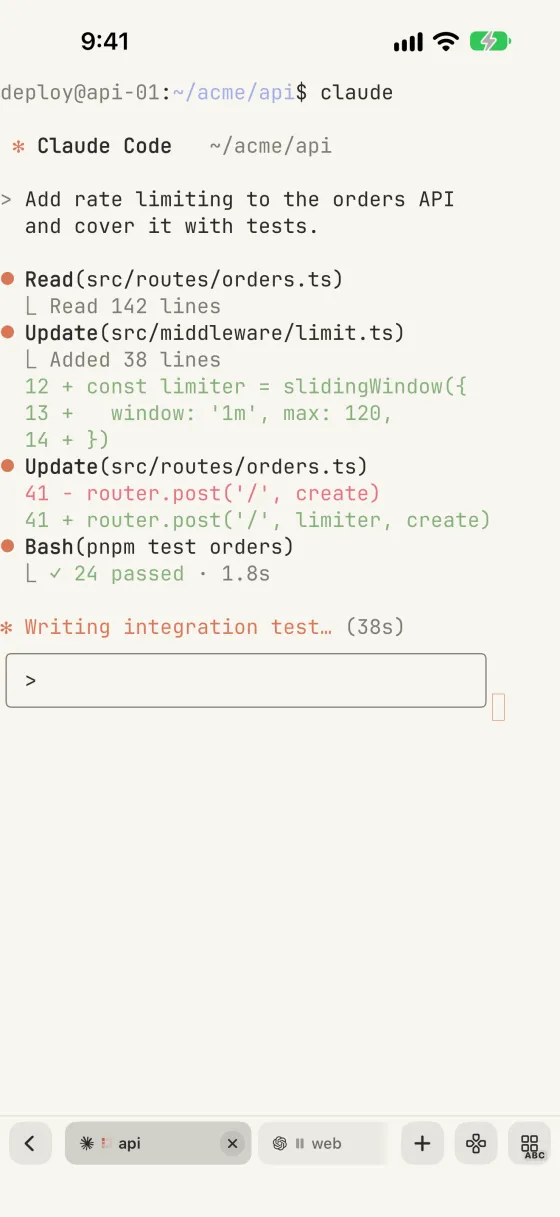
What you can do
Take a photo or pick a screenshot or file. Warpeer uploads it to the host over your SSH connection and pastes its path into the agent in the current tmux or Herdr pane.
Each upload, up to 8 MiB, is checked against its digest on the host. If the pane or session changes mid-upload, nothing is pasted and the image waits for a retry.
Dictate in your preferred language with a live waveform, pause, fix a word, then insert the text at the prompt. Warpeer never presses Return for you.
Images travel only over your own SSH connection to the host you are on. Dictation uses Apple Speech, which may process audio on Apple servers under Apple’s privacy policy.
Guide