
Files in a tab
SFTP opens next to your terminals and keeps each host in its own folder.
Files and git
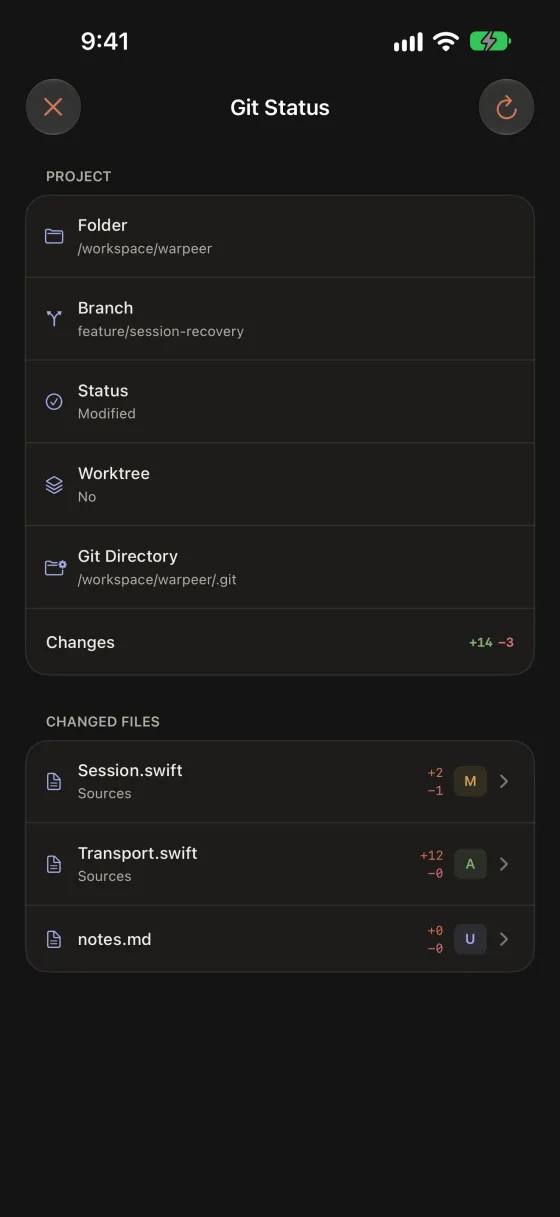
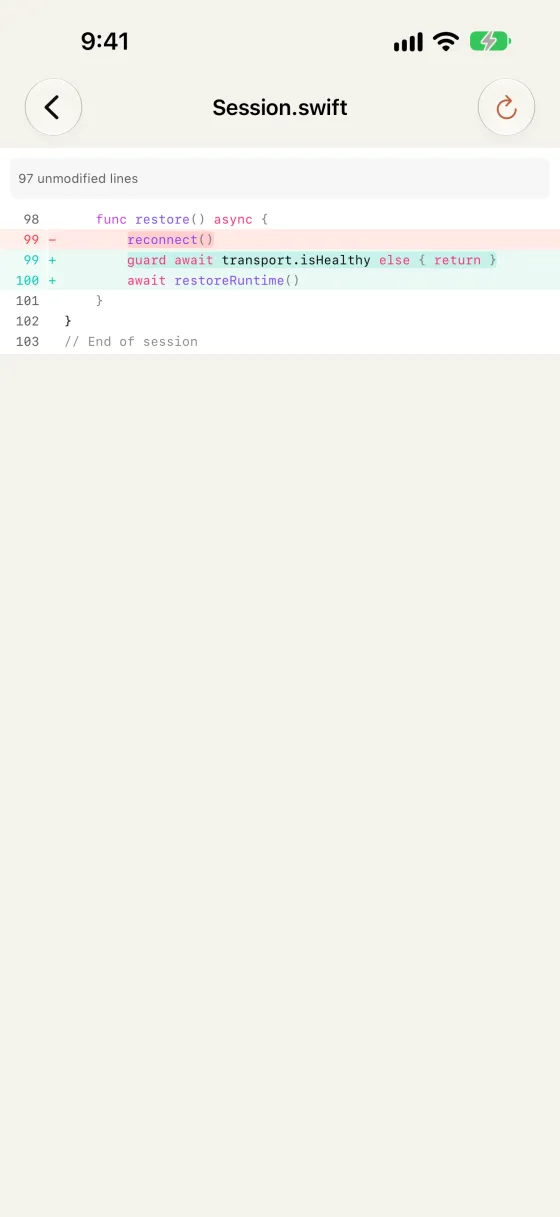
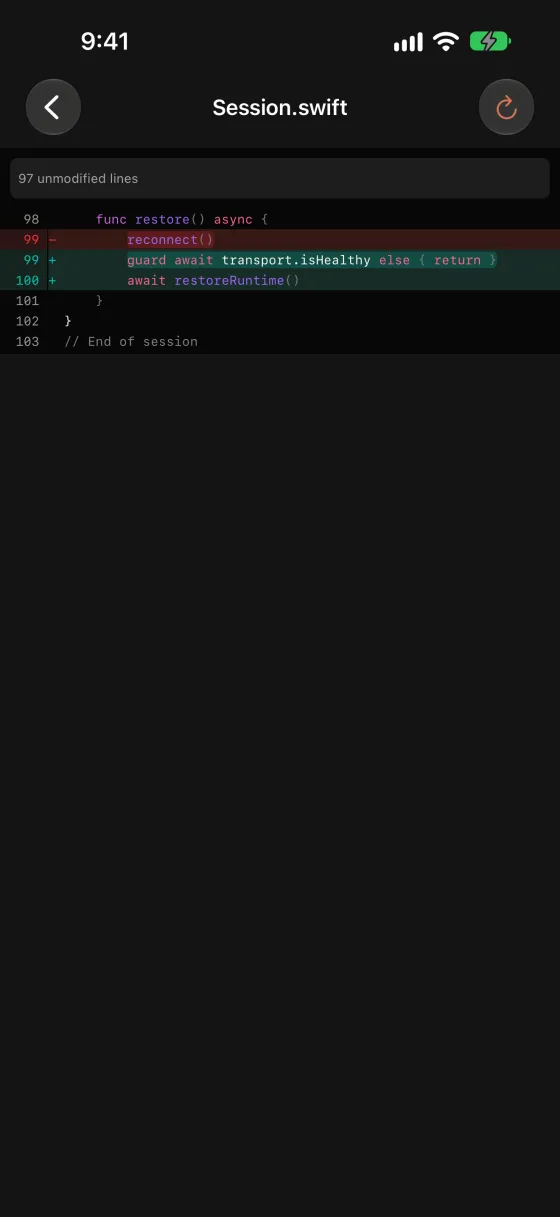
Browse, preview and upload files over SFTP from the folder your pane is in, and review changed files and diffs of the remote repository.
Included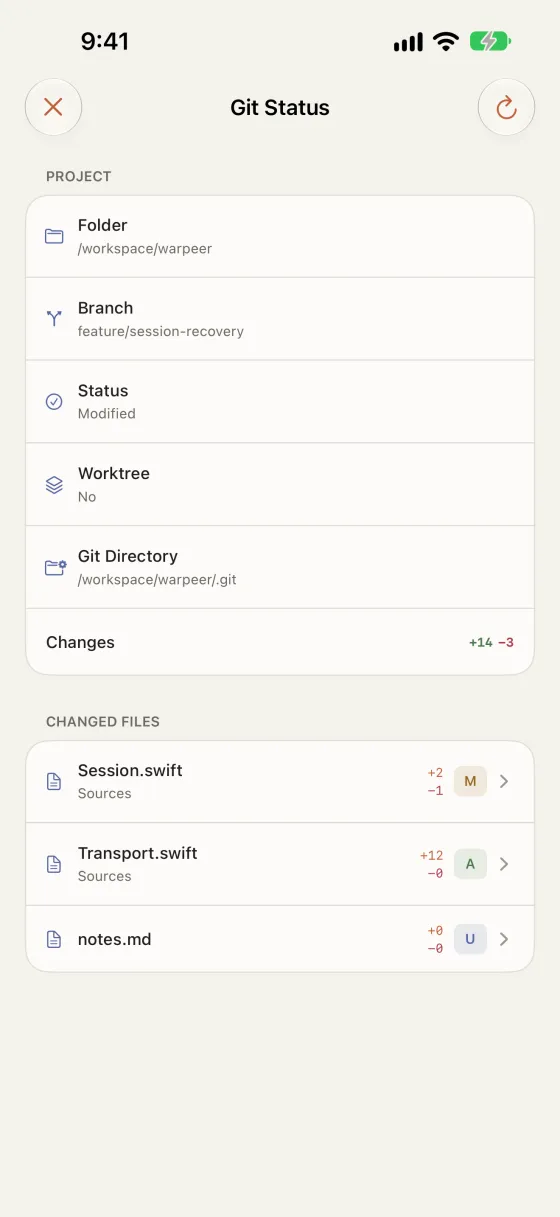
What you can do
SFTP opens next to your terminals and keeps each host in its own folder.
Read Markdown, code and HTML, and open images and documents in Quick Look.
See the branch, worktree and changed files, then each diff with word-level highlights.
Guide